Every widget is personal.
Each widget starts from products picked for this shopper, then applies its own filter. You choose which ones to show.
Our selection.
Personal picks from your whole catalog.
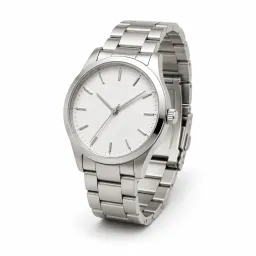
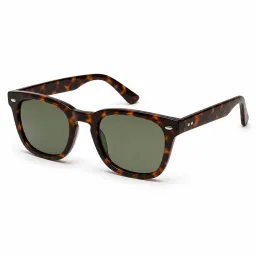

Often bought together.
Personal picks that go with the product on screen.
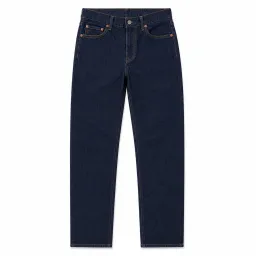
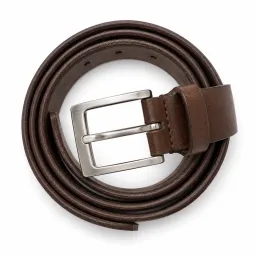
Best sellers.
Personal picks among your top sellers. On a collection page, from that collection.
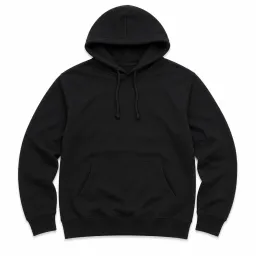

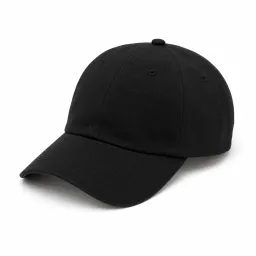
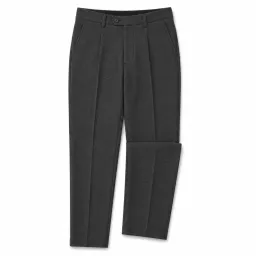
New arrivals.
Personal picks among recently added products.
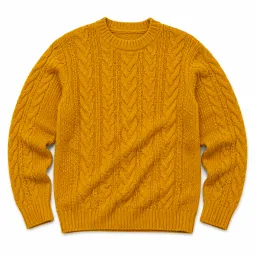

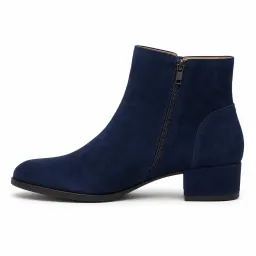
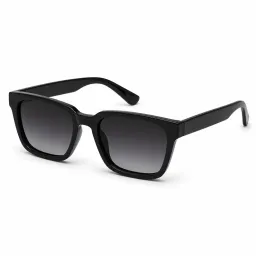
You may also like.
Personal picks from everything this shopper has done in the session.
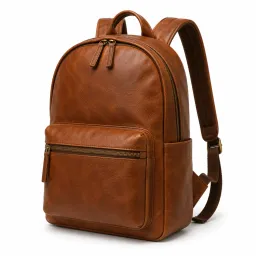
Trending now.
Personal picks for this shopper.
How widgets work
Every widget shows products picked for this shopper from what they view, pause on and add to cart in the current session. Each widget then applies its own filter on top: Our selection adds none, Often bought together keeps what goes with the product on screen, Best sellers keeps your top sellers (on a collection page, the top sellers of that collection), and New arrivals keeps recently added products.
Widgets sit on your home, collection and product pages, styled to look like part of your theme. You pick which ones to show.
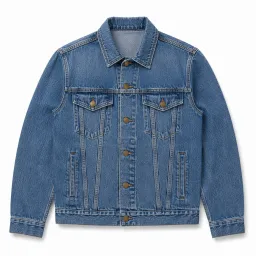
Same grid, new order.
 01
01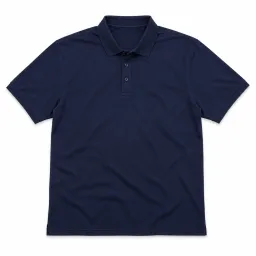 02
02 03
03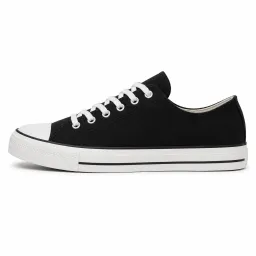 04
04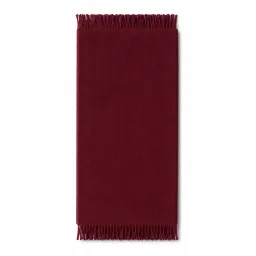 05
05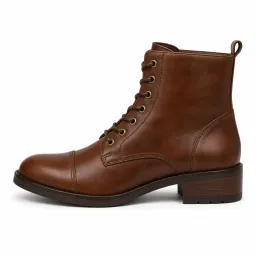 06030605010204
- Same grid and cards
- No flicker on load
- Every collection, or only the ones you pick
How collection reordering works
On the collections you allow, ob.session keeps your theme's grid and product cards and changes only the product order for each shopper, based on what they do in the current session. Nothing changes on other pages.
The page opens already in the personalized order, so shoppers don't see products shuffle after load. You can reorder every collection or only the ones you pick; the All products page is a separate switch.
Rules that apply everywhere.
The whole catalog.
Long tail included, not only bestsellers.
Nothing already in the cart.
What is already in the cart is left out.
No repeats down the page.
Nothing shown earlier in a collection appears again.
Picks for this shopper.
No login or history needed. Works for first-time visitors.
The rules in detail
Products the shopper has already added to the cart are left out of recommendations. Products shown on earlier pages of a collection are not shown again further down.
Recommendations draw on your full catalog, long tail included, not only on bestsellers. No login and no purchase history are needed: a first-time visitor gets personal recommendations within the same visit.
You hold the switches.
On and off, any time.
From your dashboard. Changes apply right away, with no theme edit.
Analytics you can check.
Attributed revenue, orders and AOV; clicks and add-to-carts per widget and collection.
A/B test on request.
Contact us for a 50/50 test on your own traffic.
Consent respected.
Follows the consent state Shopify reports. No consent: no data, no recommendations.
Controls in detail
Turn widgets or collection pages on or off from your dashboard. Changes reach the storefront right away, with no deploy and no theme edit. Analytics show attributed revenue, orders and average order value, plus views, clicks and add-to-carts per widget and per collection.
For proof on your own traffic, contact us and we will run a 50/50 A/B test: half of your shoppers see recommendations, half see your store as it is. ob.session follows the consent state Shopify reports for each shopper; without the required consent there is no data collection and no recommendations.
It does not slow your store.
Your page loads first.
The script downloads alongside your page and runs after it is built.
Late answers are dropped.
If recommendations are late, shoppers see your store as is.
No theme code touched. It runs as an app embed. Switch it off and everything stops.
Why it does not slow your store
The script downloads alongside your page from Shopify's CDN and runs only after the page is built, so it never blocks rendering. Recommendations have a strict time limit: if a response is late, the shopper sees your store exactly as it would look without ob.session.
ob.session runs as a Shopify app embed. It does not edit theme files, and switching the embed off stops everything at once.